
AI360 / WEB
AI360 Sphere Camera
Prepare source photos and create spherical panoramas with neural networks.
AI360
Manage your account and create panoramas right on the website.
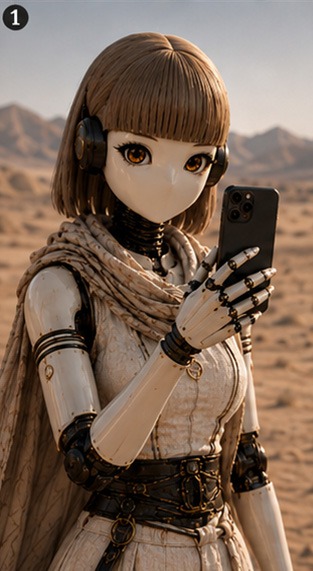
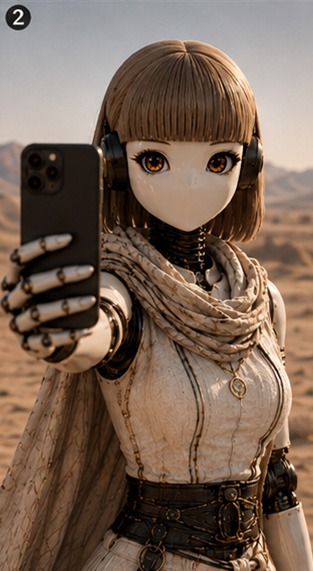
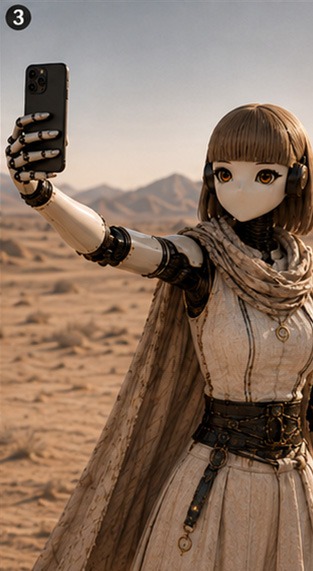
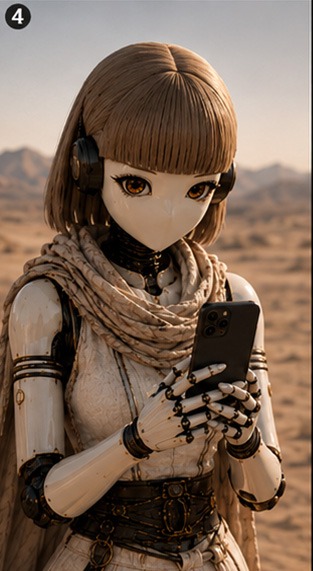
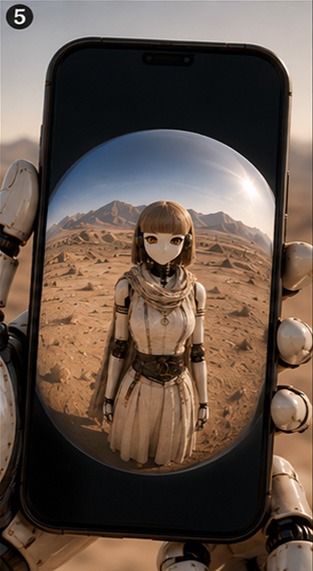
How to prepare photos for a panorama
- Stand in one place and hold your phone with an outstretched arm.
- Capture the front view, then switch the camera and capture the rear view without changing the scene.
- Optionally, for a more accurate result, rotate ~90° and repeat the front and rear captures.
- Upload the photos in exact order: first pair (front, rear), second pair (front, rear).
Or even better, use the handy mobile app.
Areas outside the camera views are generated by AI and are not optically captured.
Result ready
Your panorama
Mobile app
Continue on your smartphone
Use the native app for camera capture and the full panorama flow.
 Google Play
 App StoreAI360 Sphere Camera
Signed in
Delete account
Choose a plan for panorama generation
Unified limit: AI360 panoramas and Filexa features share one common volume. Can be combined.
START
Great for regular capturing
PRO
Full immersion and working with presets
Detailed Plan Comparison
| Features & Capabilities | FREE | START | PRO 🔥 | DIAMOND 💎 |
|---|---|---|---|---|
| Price | 0 ₽ / mo | — | — | — |
| Panoramas per month | up to 1 | — | — | — |
| Resolution & Detail | Loading current tariff details… | Loading current tariff details… | Loading current tariff details… | Loading current tariff details… |
| 2 & 4 photo capture | ||||
| Image and video generation, smart prompting, and AI editor via Filexa | ||||
| Immersive presets («Day/Night», «Clear») | ||||
| Extra non-expiring panoramas | +5 при регистрации (*) | |||
| Extra generation purchases | — | |||
| AI seam & stitch healing | — | |||
| Immediate access to new features | — | |||
| Support level | Standard | Standard | Standard | Personal |
Frequently Asked Questions
DO NOT present generation results as real photos!
Any generation is a distortion of reality and the neural network's vision under conditions of missing information and technology limitations...
Feature limitations
Features available only in the mobile app: Immersive presets and panorama restyling. The app can post-process a scene using a pre-designed, described scenario. You can create a panorama in the chosen style right away or restyle a completed panorama saved in History.
What is Filexa?
Filexa is an AI agent in the Telegram messenger that allows generating images and videos without complex prompting or deep knowledge of neural networks. Convenient format and instant results directly in chat with the bot without leaving the messenger. Unified plan is supported only when linking AI360 accounts and Telegram messenger accounts.
Do unused generations expire?
Package allowance renews at the start of each billing period. Additional purchased or bonus generations never expire.
Unified balance across all devices!
When linking your web account to the mobile app or Telegram bot, your balance and active tariff become instantly shared. With linked profiles, the paid plan belongs to the selected primary Billing account. After unlinking, it remains only with that product profile; the other profile may return to FREE and require a new purchase.
What are Immersive presets?
Additional neural processing to provide exceptional mood and atmosphere. The image will be completely redrawn.
How to choose a plan?
Review the plans and pick your favorite. If you have any issues, contact Support.
Where are my photos and panoramas stored?
Your photos are temporarily stored in the service's memory...
The panorama does not match reality, people look different, the location is wrong?
Equirectangular projection is a type of spherical projection used to create spherical panoramas...
How to make a perfect panorama?
It is best to use specially designed mobile apps and follow the instructions...
Бонусные и дополнительные панорамы
При регистрации нового пользователя производится единоразовое начисление, которое может быть использовано для создания панорам и в других сервисах Файлексы. Общий лимит можно комбинировать. Начисление бонусных генераций, увеличение лимитов в виде комплимента или за ПРОМО - является временной акцией при соблюдении рядя условий. Разработчик оставаляет за собой право в любой момент менять условия, отменять или не производить эти начисления.